Explore Orion Stars games with confidence
Understand the major game categories, learn unfamiliar controls, and keep every session deliberate and entertainment-focused.
Catalog availability and individual game rules can change
A practical map of Orion Stars game categories
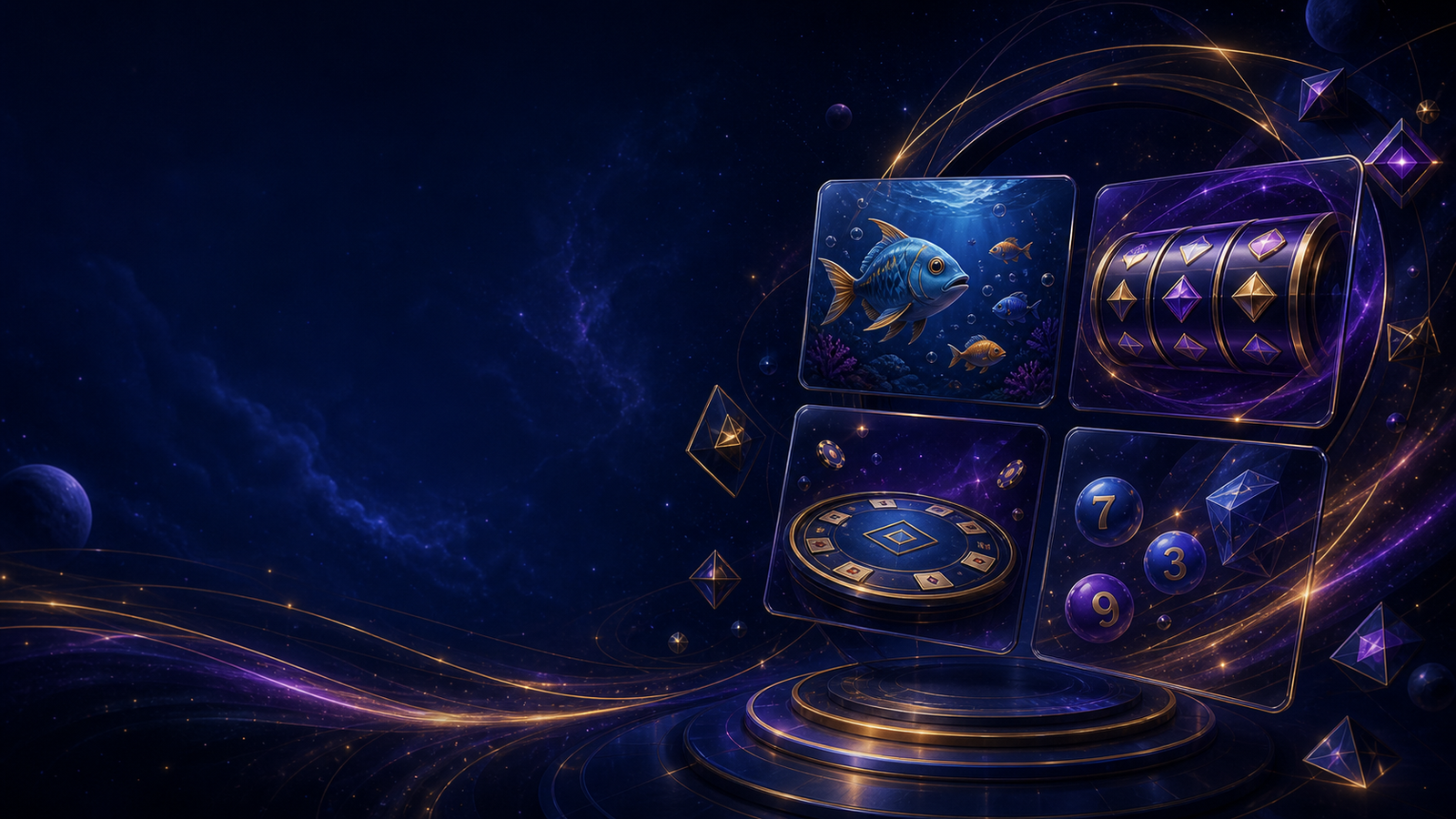
Orion Stars is commonly associated with a broad social-casino-style catalog rather than one single game. The exact titles, themes, controls, and availability can change by app version, account access, device, or region. This independent overview focuses on the patterns a new player is likely to encounter: fish-style action games, reel or slot-style games, table-inspired formats, and number or keno-style selections.
Learning the category first is more useful than chasing a specific title. Categories tell you what kind of decisions the interface expects, how quickly a round moves, which controls deserve attention, and when to pause. No category guarantees a result. Visual effects, “near miss” animations, and fast round transitions are entertainment features—not evidence that a better outcome is due.
Orion Stars games at a glance
Fish-style games
Action-oriented screens where players aim, select targets, and manage a changing field. The pace can be quick, so learn the controls before increasing activity.
Read the fish games guide →Reel-style games
Symbol-based rounds with paylines, features, and variable presentation. Read the paytable and feature rules instead of judging only by animation.
Read the reels guide →Table-inspired games
Formats that borrow visual language from card or wheel tables. Rules and available decisions vary, so avoid assuming that every version works identically.
Open the beginner guide →Number games
Selection-based rounds where players choose numbers or patterns before a draw. Check how selections, multipliers, and results are displayed.
Use the new-player checklist →How the main game styles differ
Fish-style games are visually busy and often reward attention to the whole screen. A player may choose a target, adjust a control level, and react to movement. That makes interface familiarity important. Before playing at normal speed, identify the aim control, any automatic mode, the current setting, and the exit or pause option. A crowded screen can encourage rapid taps, so decide in advance how long the session will last.
Reel-style games are simpler to start but can hide complexity inside paytables, feature triggers, line configurations, or selectable settings. Open the information panel and learn what each symbol or bonus actually means. A polished animation does not change the uncertainty of the next round. Auto-play, turbo modes, and rapid transitions can reduce the time available for deliberate decisions, so use slower settings while learning.
Table-inspired and number games often look familiar because they borrow established symbols, but familiarity is not the same as understanding. A digital variation may use its own rules, side options, or result presentation. Read the instructions for that exact game. If the rules are missing, unclear, or inconsistent with what appears on screen, leave the game rather than experimenting with settings you do not understand.
A five-minute method for understanding any new game
- 1
Open the information panel
Find the rules, paytable, help icon, or tutorial. Confirm what starts a round and what ends it.
- 2
Identify every adjustable control
Look for speed, level, line, target, selection, sound, auto-play, and confirmation settings. Do not change several controls at once.
- 3
Watch one complete cycle
Notice how the screen records a selection, displays a result, and returns to the ready state. This prevents accidental repeat actions.
- 4
Use the slowest comfortable pace
Learning is easier when animations and controls do not rush the next decision. Disable automatic modes until the flow is clear.
- 5
Decide when to stop
Set a time limit and a personal entertainment budget before continuing. Stop when either limit is reached, regardless of recent outcomes.
This method is intentionally simple. It reduces accidental input and helps distinguish interface behavior from chance. It also makes it easier to describe a real technical problem if the game freezes or a control behaves differently from the instructions.
Controls, sound, speed, and accessibility
Small controls can have a large effect on the playing experience. Confirm the active value before starting a round and again after an update, device rotation, or reconnect. If the interface offers auto-play or rapid mode, leave it off while learning. Turn down sound and haptic effects if they make it harder to notice time passing. Keep the screen brightness comfortable and take regular eye and movement breaks.
On a smaller phone, accidental taps are more likely. Use a stable orientation, close floating notifications, and avoid playing while walking, driving, supervising children, or doing another task that requires attention. If text is hard to read, check Android display scaling or use a larger supported device instead of guessing at a control.
Before the first round
- Read the rules for that exact title
- Confirm the current level or selection
- Disable automatic or turbo play
- Set time and entertainment limits
- Know how to pause and exit
Responsible social gaming is part of understanding the game
These experiences are designed to hold attention through sound, motion, rewards, streaks, and rapid feedback. That makes pre-set boundaries more reliable than deciding in the moment. Choose an amount of time and money, if any, that you can comfortably treat as entertainment. Do not use funds needed for food, housing, debt payments, medicine, education, or savings. Never borrow to continue playing and never try to recover a loss by increasing the pace or amount.
Take a break if you feel irritated, secretive, restless, or unable to stop at the limit you selected. Recent outcomes do not make a future win more likely, and a near miss is still a miss. If play is interfering with sleep, relationships, work, or finances, use available account limits or self-exclusion tools and seek support in your region. The responsible gaming guide explains practical boundaries in more detail.
Parents and caregivers should keep credentials private, use device-level parental controls, and avoid leaving an unlocked app on a shared phone. Age requirements and local rules vary. Follow the requirements shown by the platform and the laws that apply where you live.
Orion Stars games FAQ
What types of games are associated with Orion Stars?
Common categories include fish-style action games, reel-style games, table-inspired formats, and number-selection games. The exact catalog can change by version, account, device, or region.
Which Orion Stars game is best for a beginner?
The best starting point is a game with clear instructions, readable controls, a comfortable pace, and a format you understand. Learn the interface before using automatic or rapid modes.
Do visual patterns predict the next result?
No. Animations, streak displays, and near-miss effects should not be treated as a prediction. Read the rules and remember that outcomes remain uncertain.
How can I keep a session under control?
Set time and entertainment-spending limits before starting, disable rapid automatic play, take breaks, and stop when either limit is reached.
Explore the catalog with a player-first plan.
Read the rules, slow the pace, and decide your limits before the first round.